

Static site
How it works
Inside the container, the Caddy web server serves files from the project's document root. For directories it returns index.html, compresses responses (zstd, gzip) and writes the access log to the project's logs. There is no PHP or other server-side code here. This handler has no build command either: build the site on your computer or in CI and upload the ready files to the project.
1. Create a project
In the wizard (how to create a project), choose a plan and the Static tile. The only setting is the Document root: the path from the project root to the folder that holds index.html. The default is public.
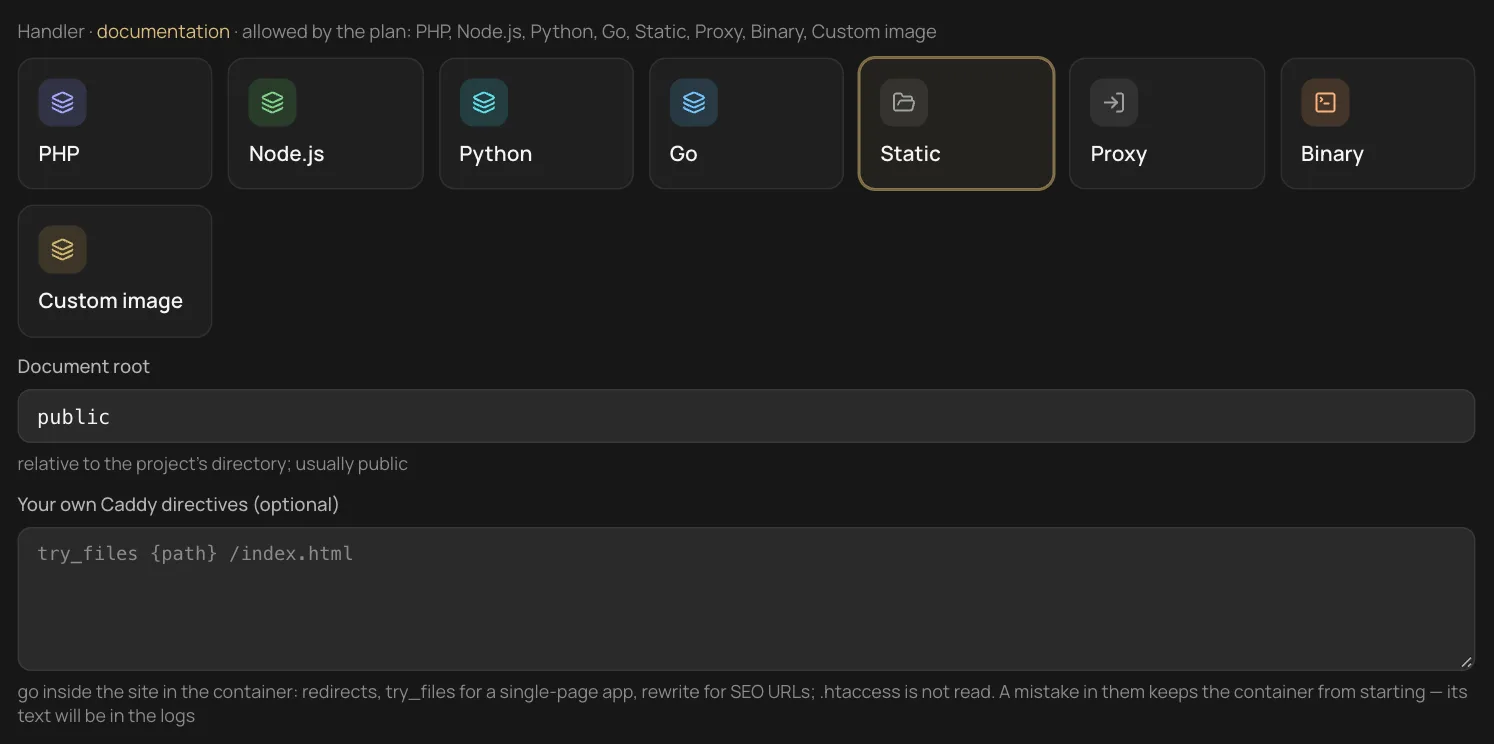
public, leave public. If the repository arrives via Git deploy in the src directory and the site is in its root, set src; if the build is in dist, set src/dist. You can change the directory at any time in the "Handler" block.2. Add the files
- SFTP or "Files" — upload the site's contents to the document root. More on the ways to do it — in the general guide.
- Git deploy — if the ready files are in a repository. The directory in the project is
src, the handler's document root issrcorsrc/<build folder>. A webhook will update the site after every push.
Check: open the site with the "Open" button in the project header or at the domain's address. If you see a 404, there is no index.html in the document root or the wrong folder is set.
3. Single-page application (SPA)
React Router, Vue Router or any other client-side router needs the server to return index.html for any path. Add to the Your own Caddy directives field (in the wizard or in the "Handler" block):
try_files {path} /index.html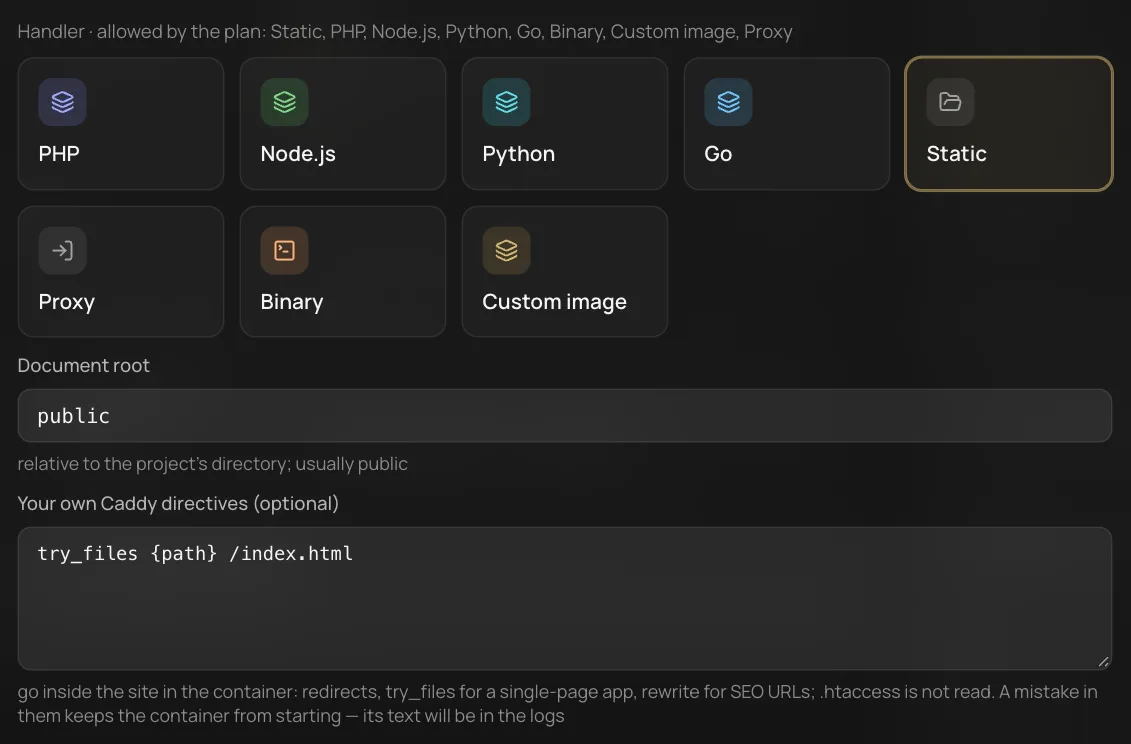
After saving, the project restarts, and /about or /user/42 open without a 404.
4. Your own rules: redirects, headers
The field's contents go inside the site configuration in the container, so ordinary Caddy directives work in it. The .htaccess file is not read — its rules have to be moved here.
# old address → new one, permanently
redir /old-page /new-page permanent

# cache for a build with hashes in file names
@assets path /assets/*
header @assets Cache-Control "public, max-age=31536000, immutable"

# your own 404 page
handle_errors {
	rewrite * /404.html
	file_server
}5. Domain
Add a domain and create an A record pointing to the IP from the "Domain and TLS" block — the certificate is issued automatically: domain and HTTPS.
Common questions
- The site shows old files. Check that you uploaded the files to the document root itself, and reload the page with the browser cache cleared.
- You need a build on the server (
npm run build). Choose the Node.js handler with a build command, or build in CI and upload the ready result. - Disk space. The limit is the plan's disk; usage is shown on the "Overview" tab.