

OpenCart
1. Project and files
- Create a project with the PHP handler, document root
public, with a domain right away. - In the "Terminal", download the release from GitHub (substitute the current version from the releases page):
Or unpack the archive on your computer and upload the contents of theV=4.1.0.4 curl -L -o oc.zip https://github.com/opencart/opencart/releases/download/$V/opencart-$V.zip unzip -q oc.zip -d oc rm -rf public && mv oc/upload public rm -rf oc oc.zip mv public/config-dist.php public/config.php mv public/admin/config-dist.php public/admin/config.phpuploadfolder topublicvia SFTP, renaming bothconfig-dist.phpfiles. - Create a database: "Databases" → "A database for this project" (with a user).
2. Installation
Open https://your-domain/install/. The environment check passes: the required extensions are there and the files are writable. In the database settings, enter the host and port from the database card, the database name, user and password. After the first sign-in, the admin offers to move the storage folder outside the document root — agree: a path inside the project (for example, /app/storage/) is writable. After installation, delete the installer:
rm -rf public/install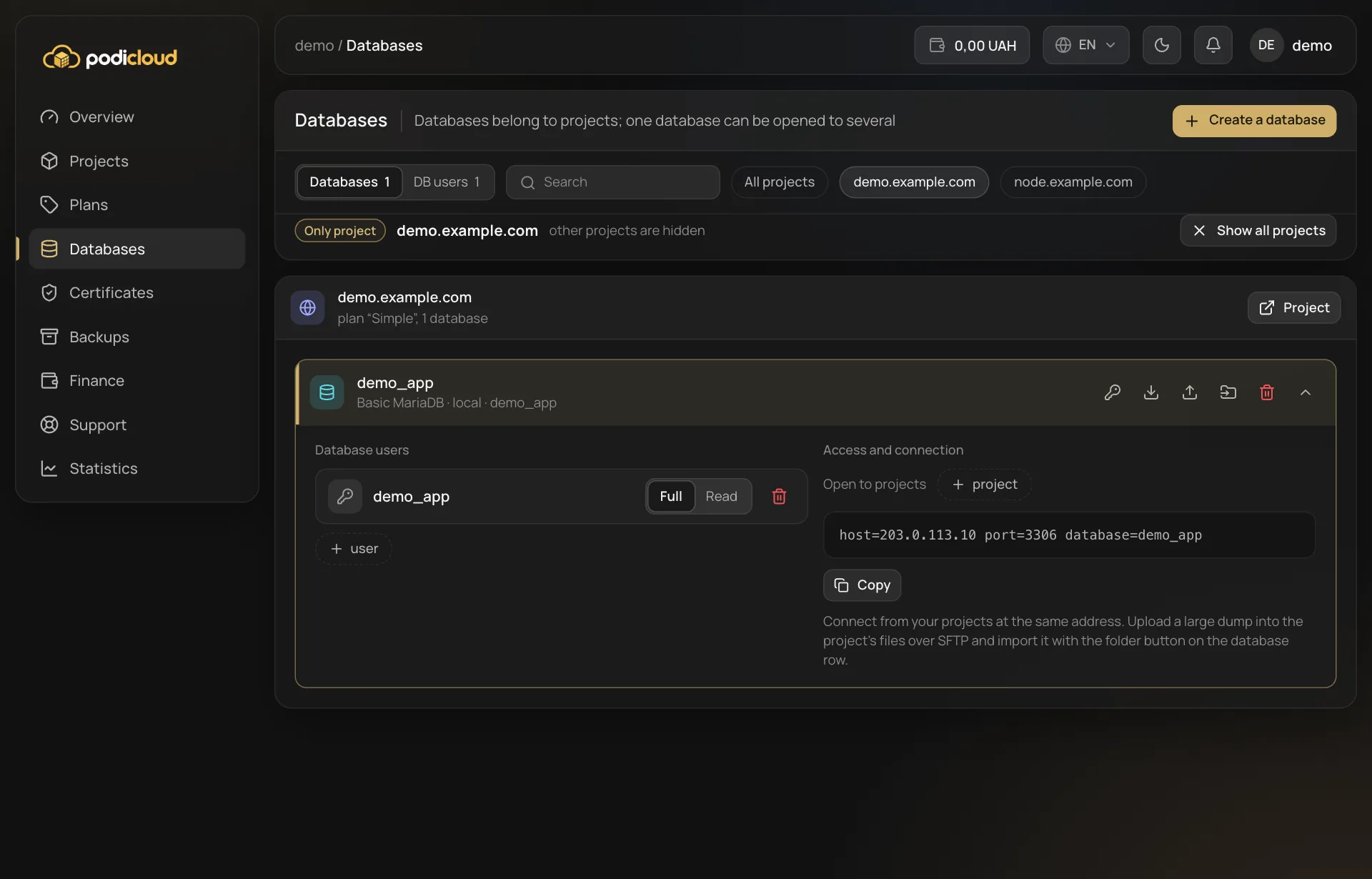
3. SEO URLs
OpenCart relies on rules from .htaccess, which is not read here. Add to the Your own Caddy directives field (the "Handler" block):
@seo {
	not file
	not path /admin* /image/* /catalog/* /system/* /extension/* /install/*
	path_regexp seo ^/(.+)$
}
rewrite @seo /index.php?_route_={re.seo.1}&{query}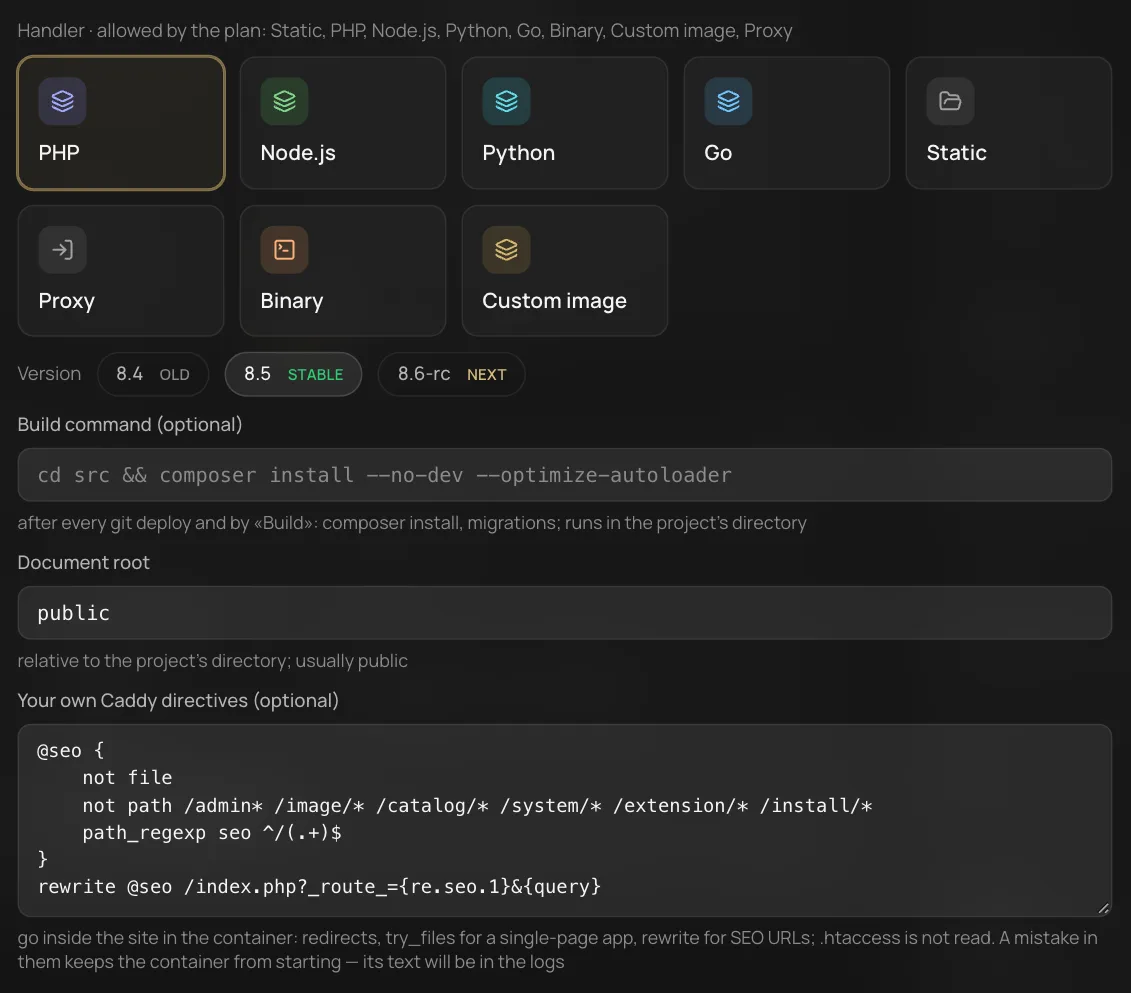
After saving, turn on System → Settings → Server → Use SEO URLs in the OpenCart admin.
4. HTTPS behind the proxy
The panel's proxy terminates TLS, and the container's web server passes the secure-connection flags to PHP ($_SERVER['HTTPS']), so OpenCart sees HTTPS by itself. Only check that the addresses in both configuration files are written with https://: in public/config.php and public/admin/config.php the HTTP_SERVER constants (and HTTP_CATALOG in the admin) must start with https://your-domain/.
5. Uploads, cron, mail
- Uploads — up to 64 MB per file; larger images and dumps go via SFTP.
- Cron. OpenCart jobs (currency rates, mailings) go in the "Processes and cron" block; the exact command depends on the version — see the OpenCart documentation. The command runs in the project directory, the shop's files are in
public. - Mail — via SMTP in System → Settings → Mail: there is no mail server in the container.
6. If something goes wrong
- The installer complains that config.php does not exist or is not writable.
config-dist.phpwas not renamed (step 1). - Category pages return 404 when SEO URLs are on. The directives from section 3 are missing or contain an error — the error text is in "Logs".
- The admin opens over http. Change
HTTP_SERVERinadmin/config.phpto https. - A blank page or 500. Look at the project's "Logs", and also at OpenCart's
storage/logs/error.log.