

Laravel
1. Project
- Create a project with the PHP handler (version stable), document root
src/public. - Build command:
It runs after every deploy and with the "Build" button.cd src && composer install --no-dev --optimize-autoloader && php artisan migrate --force && php artisan optimize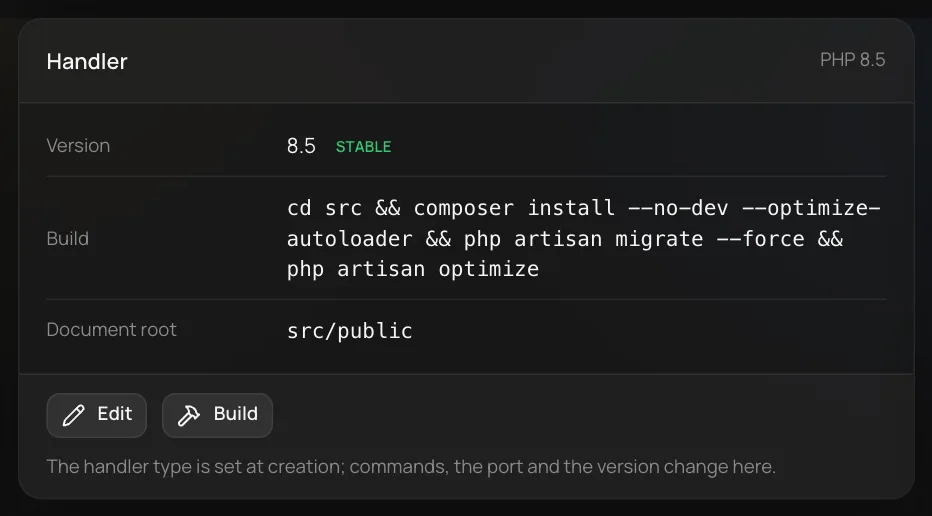
The "Handler" block after setup: the build command and the document root src/public. - Connect the repository in the Git deploy block: set the address, the branch and the
srcdirectory; for a private repository, add a deploy key (how).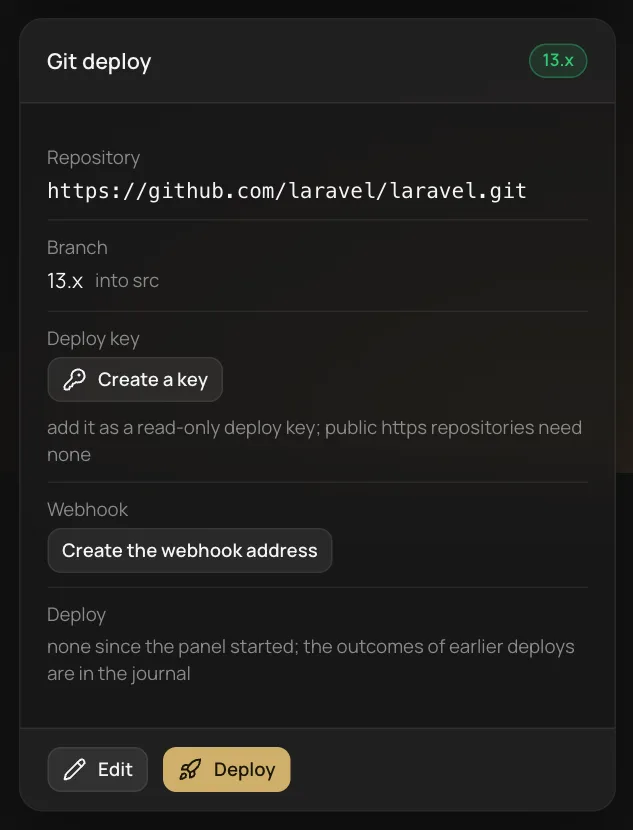
Git deploy: repository, branch into the srcdirectory; a public https repository needs no key.
2. Environment variables
Laravel reads its settings from environment variables, so a .env file is optional: put at least the following into the "Environment variables" block:
APP_ENV=production
APP_DEBUG=false
APP_KEY=base64:…               # generate it: php artisan key:generate --show
APP_URL=https://your-domain
LOG_CHANNEL=stderr             # logs go to the "Logs" tab
DB_CONNECTION=mysql
DB_HOST=host from the database card
DB_PORT=port from the database card
DB_DATABASE=database name
DB_USERNAME=user
DB_PASSWORD=password
SESSION_DRIVER=database        # or file
CACHE_STORE=database           # Laravel 10: CACHE_DRIVER; or file
QUEUE_CONNECTION=database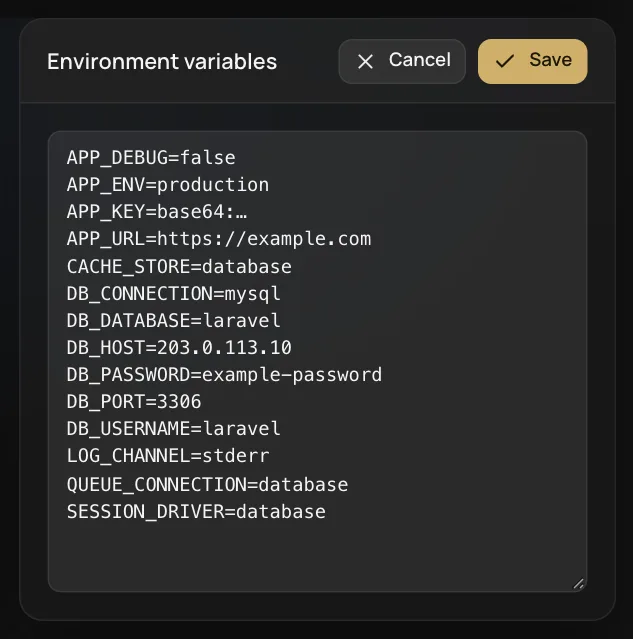
The application key: run cd src && php artisan key:generate --show in the "Terminal" and copy the result into APP_KEY. Create the database in the "Databases" section → "A database for this project".
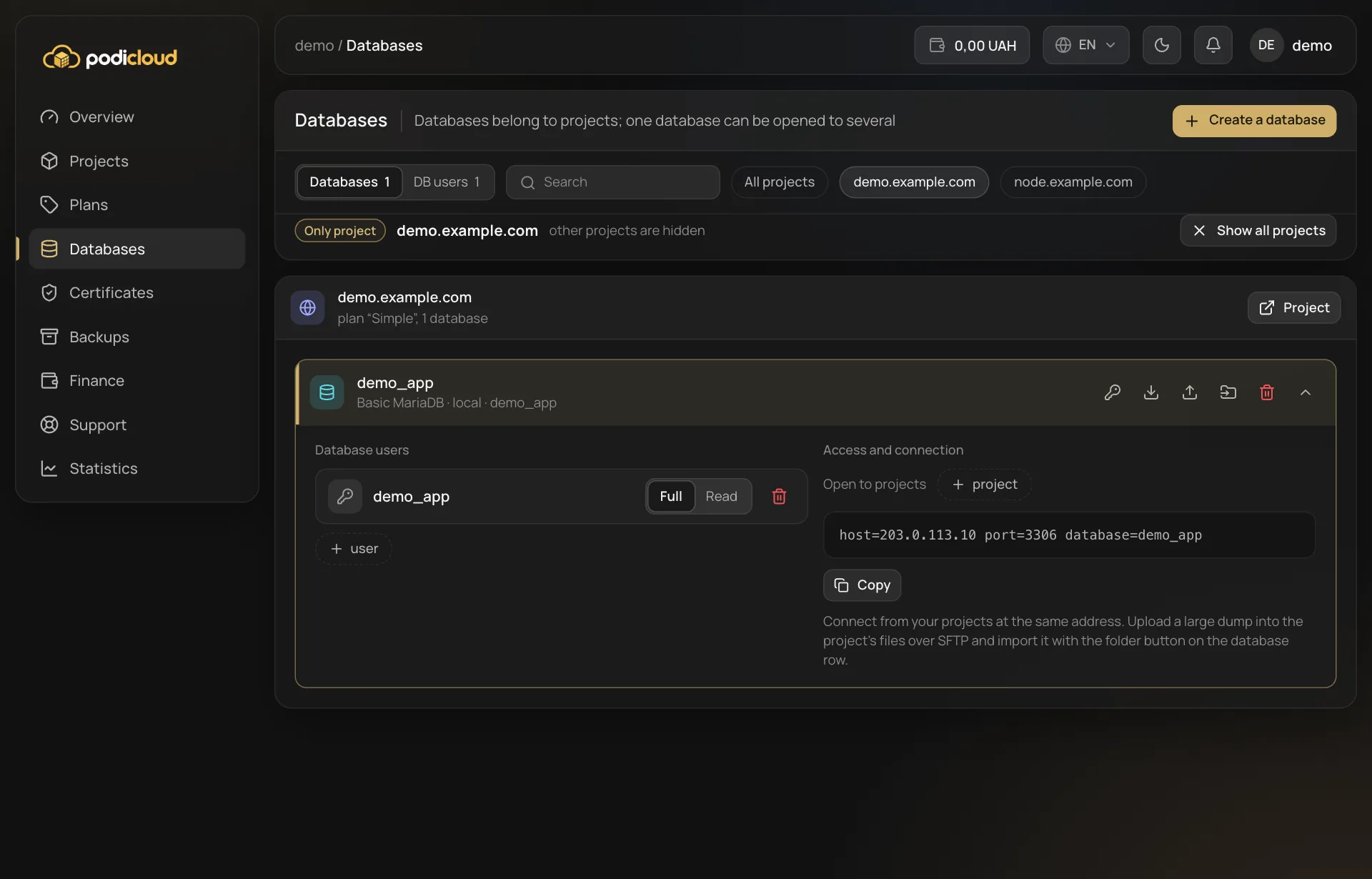
DB_* are in the connection string of the database card.src/.env via "Files": it is not part of the repository and stays after deploys. Do not put .env into the repository.3. The first deploy
Click "Deploy". The panel fetches the branch, runs the build command (Composer, migrations, configuration cache) and restarts the project. The step and the time are shown in the "Deploy" line, and the "Output" button opens the log. Then open the site.
After the first deploy, run this once in the "Terminal":
cd src
php artisan storage:link
4. HTTPS and trusting the proxy
The panel's proxy terminates TLS, and the container's web server passes the secure-connection flags to PHP ($_SERVER['HTTPS']), so request()->isSecure(), url(), redirects and signed URLs already work with https:// — trusting the proxy is not needed for that. APP_URL=https://your-domain in the environment variables (section 2) is enough.
You need to trust the proxy only for the visitor's address: without it, request()->ip() (logs, rate limiting) sees the proxy's address, not the client's. Laravel 11 and newer, bootstrap/app.php:
->withMiddleware(function (Middleware $middleware) {
    $middleware->trustProxies(at: '*');
})
Laravel 10, app/Http/Middleware/TrustProxies.php: protected $proxies = '*';
5. Scheduler and queues
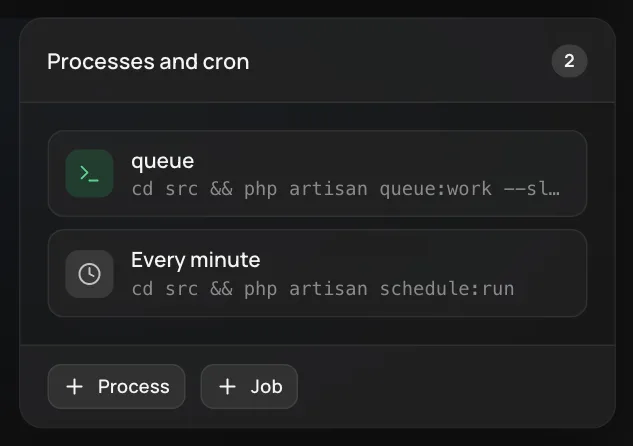
The "Processes and cron" block:
- Cron for the scheduler: the schedule
* * * * *, the commandcd src && php artisan schedule:run. - A background process for queues:
cd src && php artisan queue:work --sleep=3 --tries=3 --max-time=3600. The panel restarts the process after it exits, so after a deploy the worker picks up the new code by itself.
6. If something goes wrong
- 500 after a deploy. Look at the deploy's "Output" or at "Logs": most often a migration failed or a variable is missing. A temporary
APP_DEBUG=trueshows the error on the page. - "No application encryption key".
APP_KEYis not set. - Mixed content, redirects to http.
APP_URLis written withouthttps://(section 2). - Composer runs out of memory. In the build command:
COMPOSER_MEMORY_LIMIT=-1 composer install …; large projects need a plan with more memory. - Files from storage do not open. Run
php artisan storage:link— the link is not part of the repository.